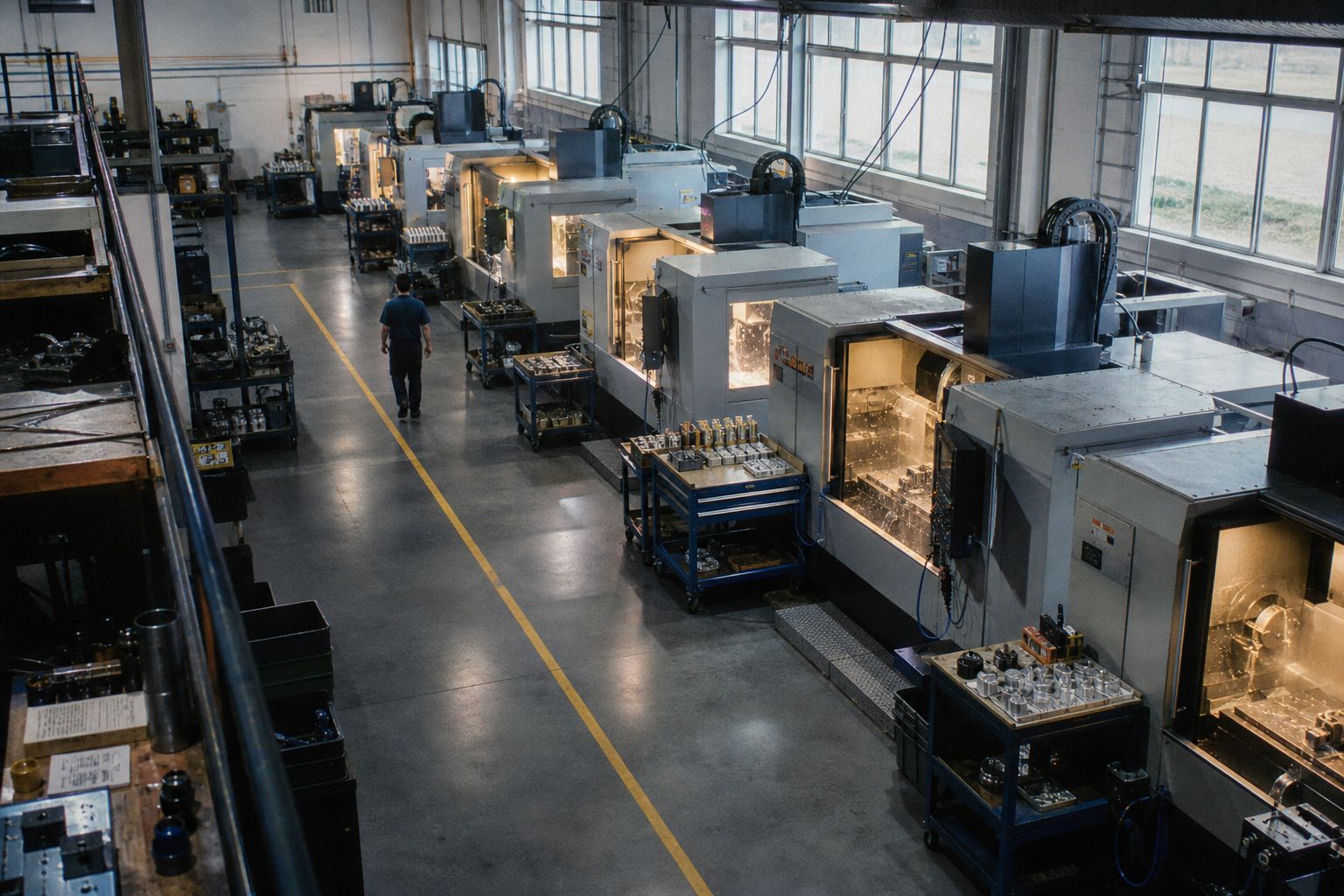
Know your shop. Down to the second. Own your bottom line.
Every job, every machine, every minute, as it happens.
Try the live demoLive demo available nowLive floor
- S. Patel logged 1 pc · WO-24102 Op 20
- R. Alvarez logged 2 pcs · WO-24121 Op 10
- T. Nguyen logged 1 pc · WO-24109 Op 20
Kiosk · BRK-02
M. Okafor · clocked in 09:51
WO-24117 Mounting bracket, 11 ga · Qty 40 · Due 15:00
- Op 10Laser cutSigned
- Op 20Form34 of 40
- Op 30WeldWaiting
- Op 40InspectWaiting
- Material
- $6.84
- Labor
- $4.28
- Overhead
- $2.99
- Cost per unit
- $14.10 vs $14.26 est, -1.1%
Work orders
7 open
- WO-24098 Drive shaft Due 11:30 Late · 11:48
- WO-24109 Valve body Due 12:30 Tight · 12:21
- WO-24102 Hinge pin Due 14:00 On time
- WO-24117 Mounting bracket Due 15:00 On time
- WO-24121 Gusset plate Due 16:30 On time
- WO-24125 Enclosure lid Due 17:00 Queued
Ask your shop anything
Plain-English answers from your own work orders, schedule and costs. Nothing changes until you confirm.
Meet the Aixly assistantAsk Aixly
Sample dataWhich jobs will miss their due time?
WO-24098 is projected late: CNC-04 is 22% over estimate, finishing at 11:48 against an 11:30 due. WO-24109 is tight: projected 12:21 against a 12:30 due.
Aixly keeps that knowledge in the system, so everyone can see the plan and the person responsible for it can change it when the floor changes.
How a work order moves through Aixly
-
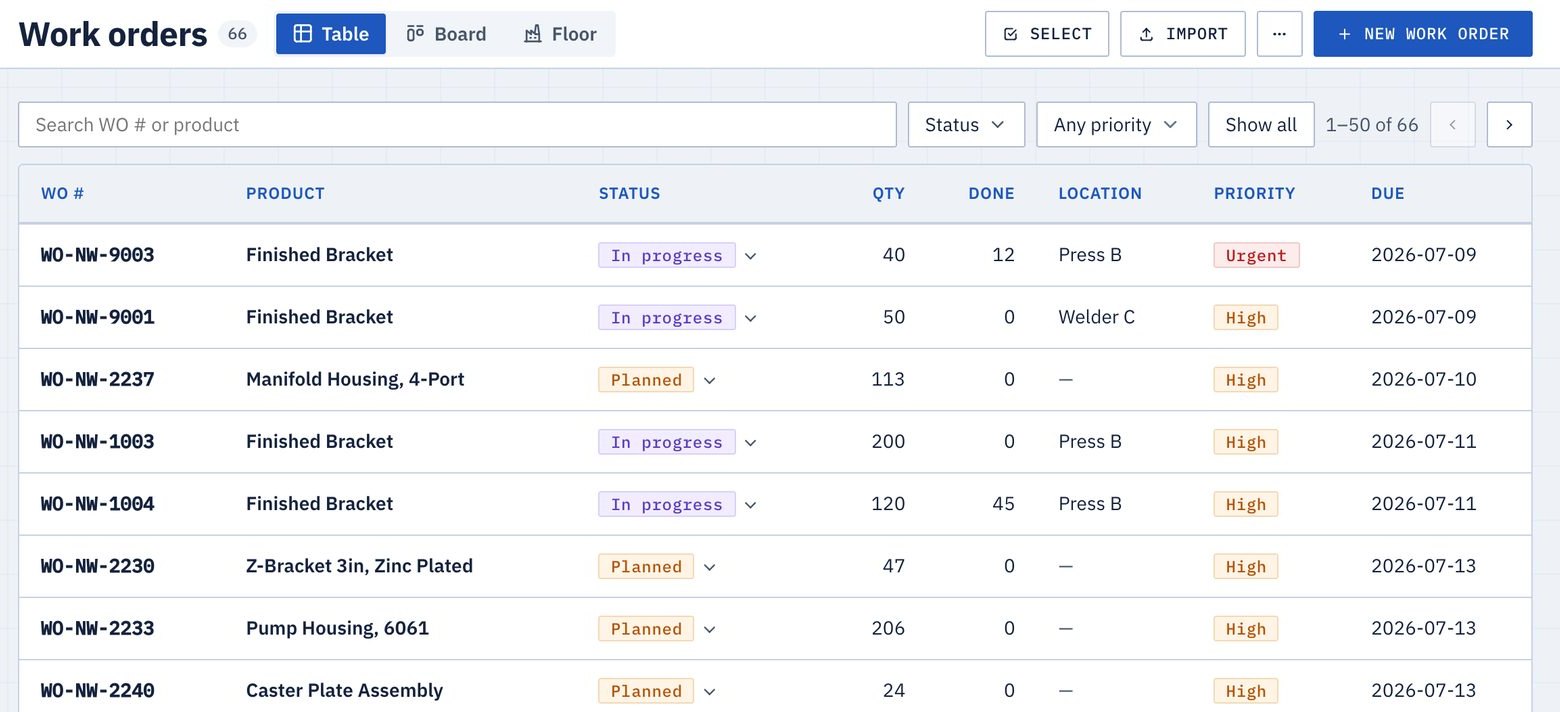
The work order comes in
Enter it with the item and quantity, or import it from a spreadsheet. The bill of materials and routing come from the item.
-
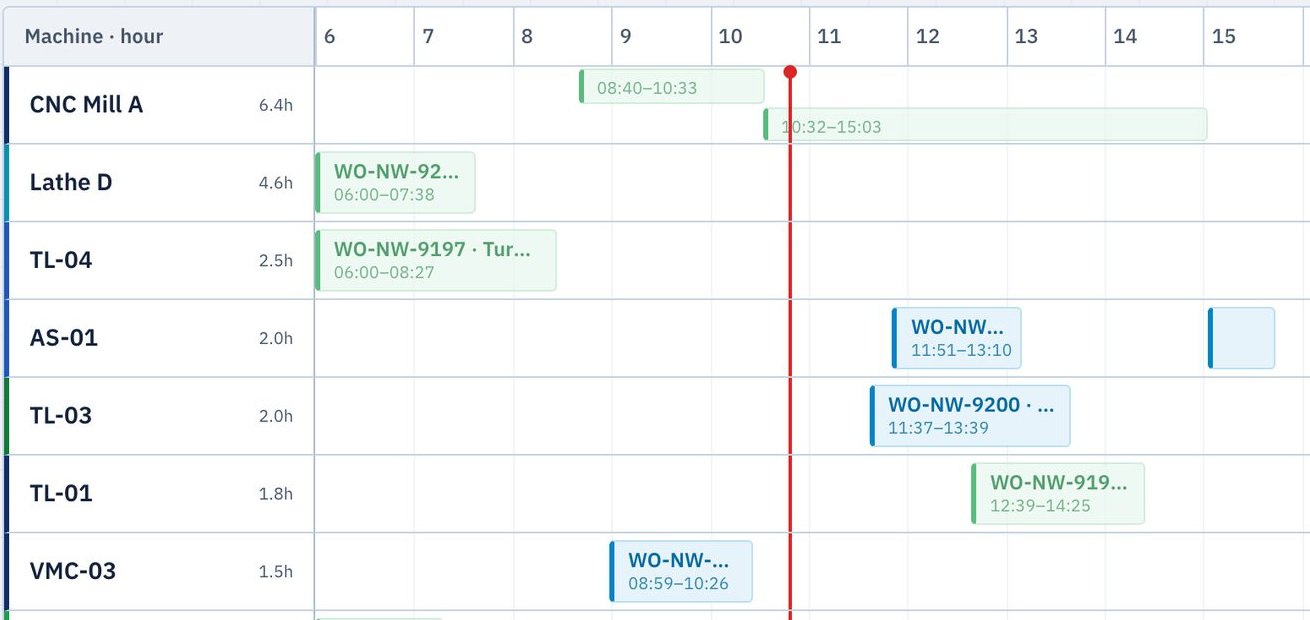
You place it on the schedule
Pick the job from the waiting list and the machine it runs on. Each machine is a lane on the board.
-
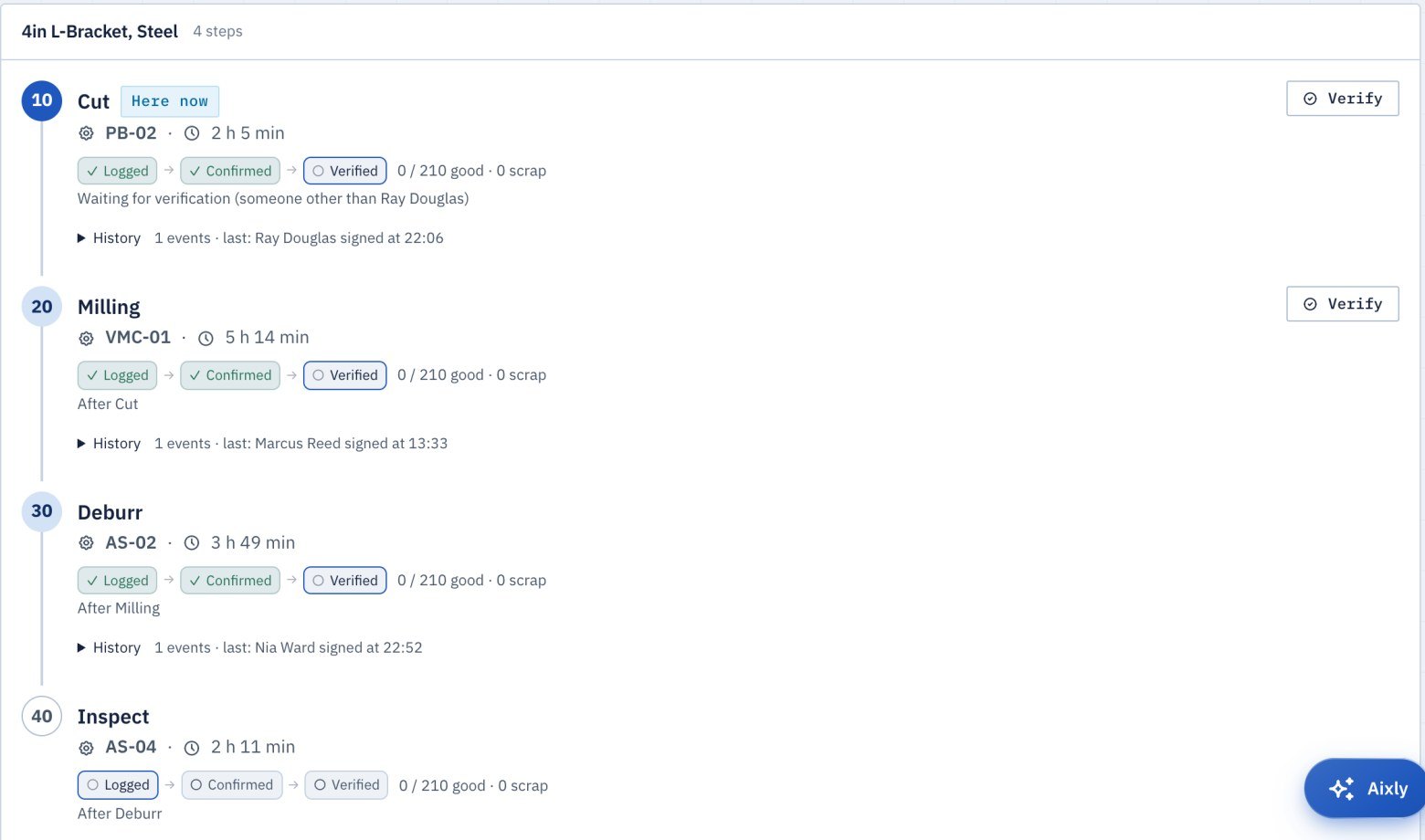
Aixly works out the timing
Setup time and run rate for every routing step give the earliest slot that fits, and show which orders would finish late before anything moves.
-
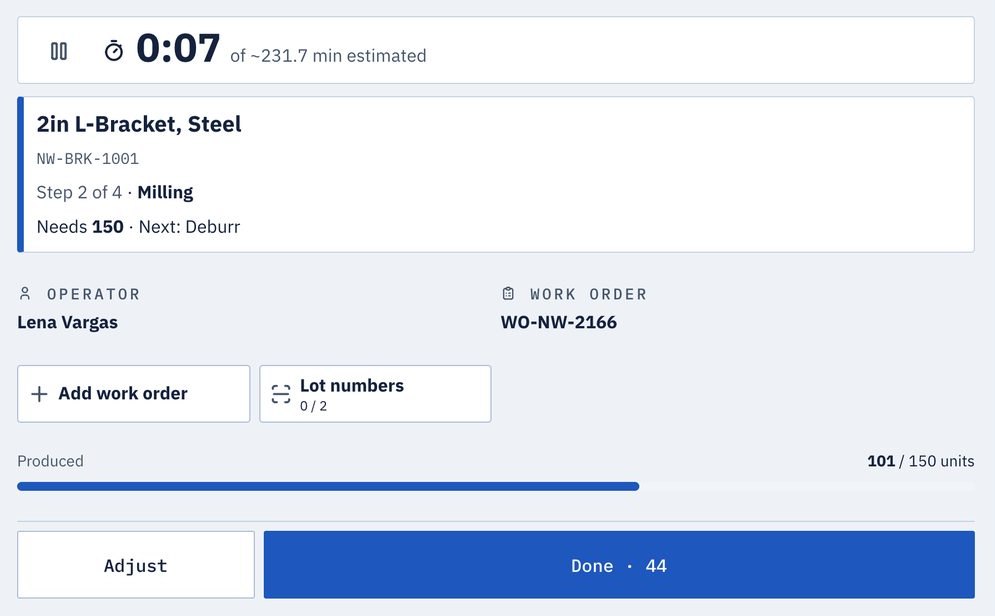
The operator sees the job at the machine
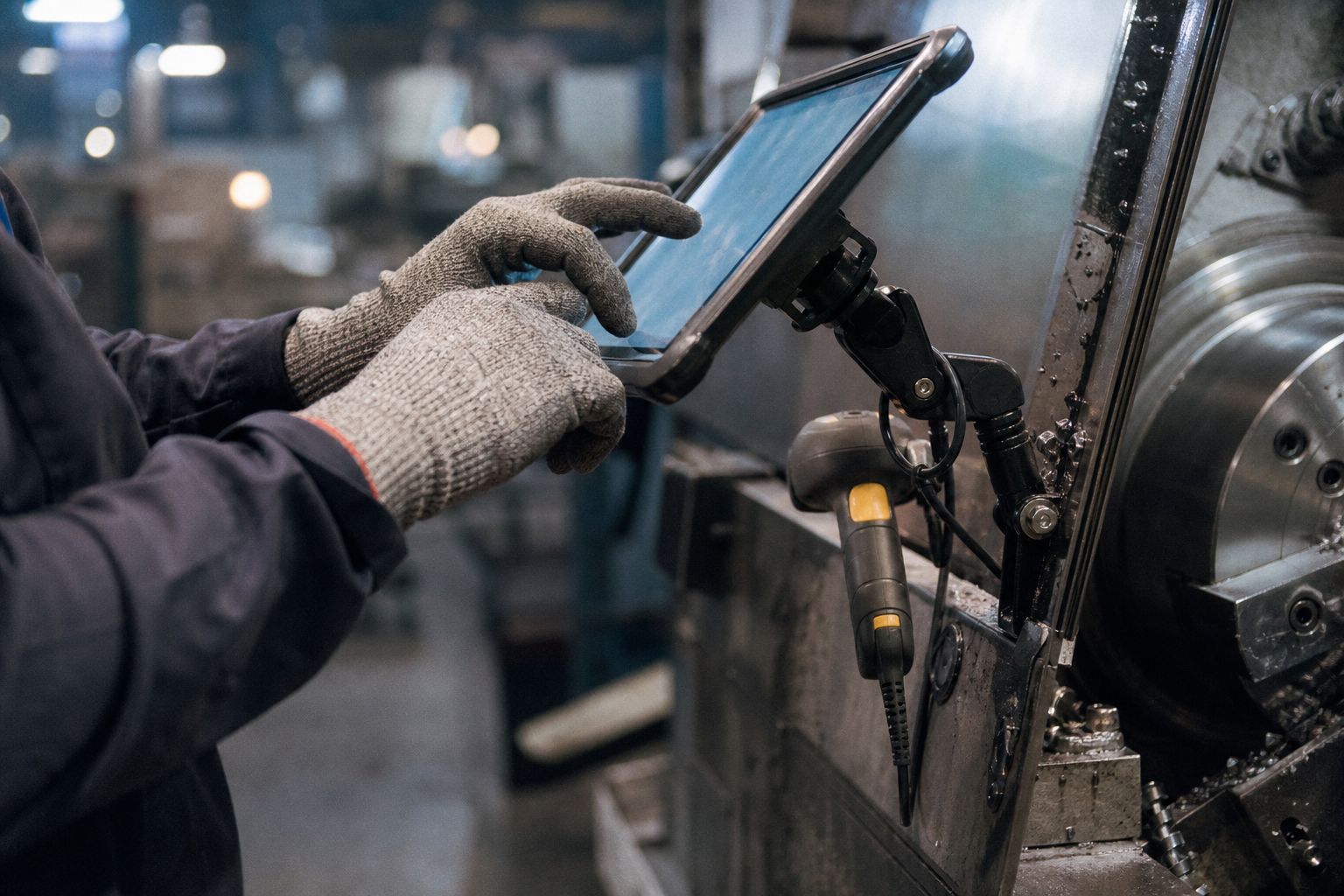
At the kiosk the operator signs in with a badge or PIN and runs the next job lined up for that machine.
-
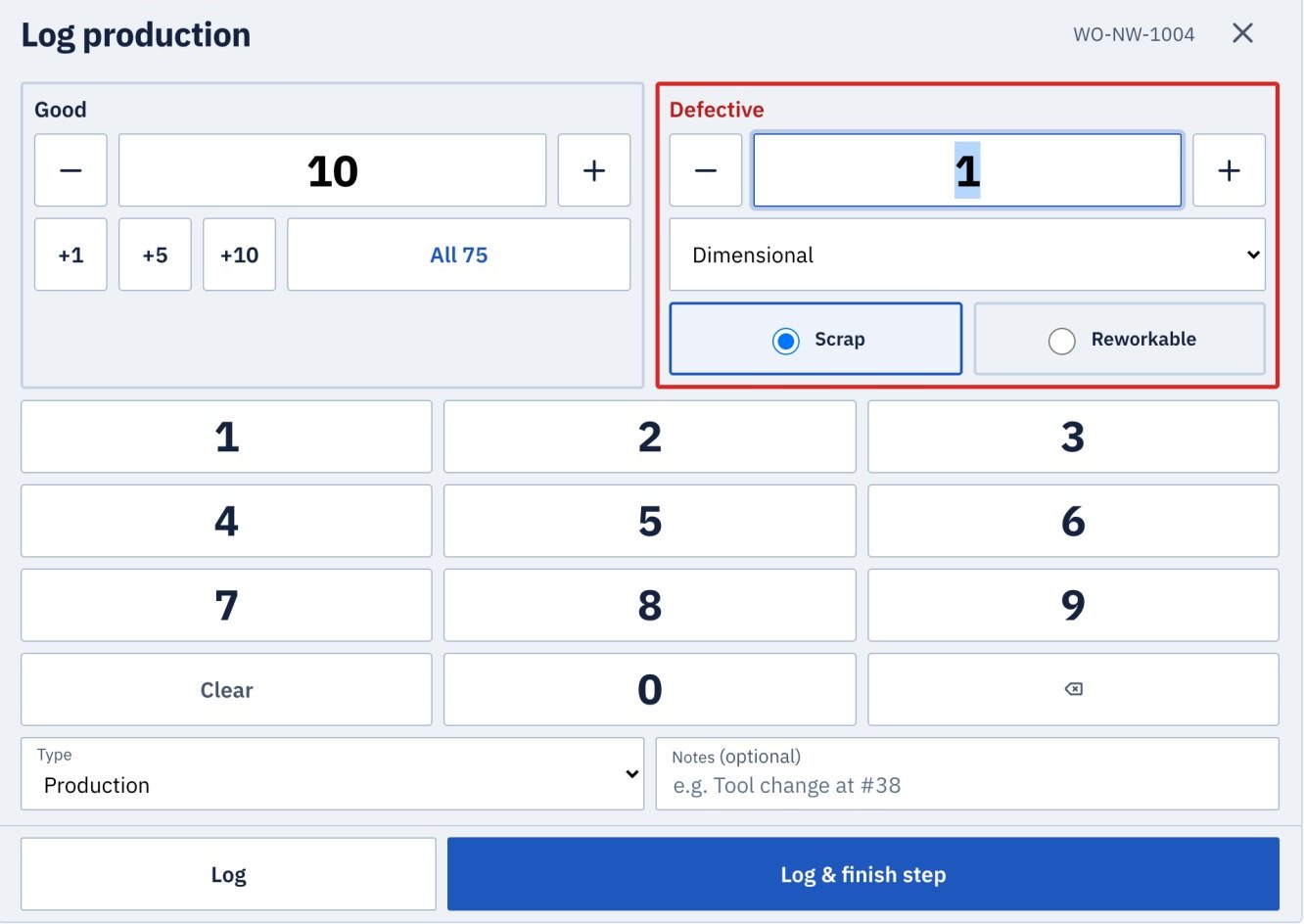
The work is recorded as it happens
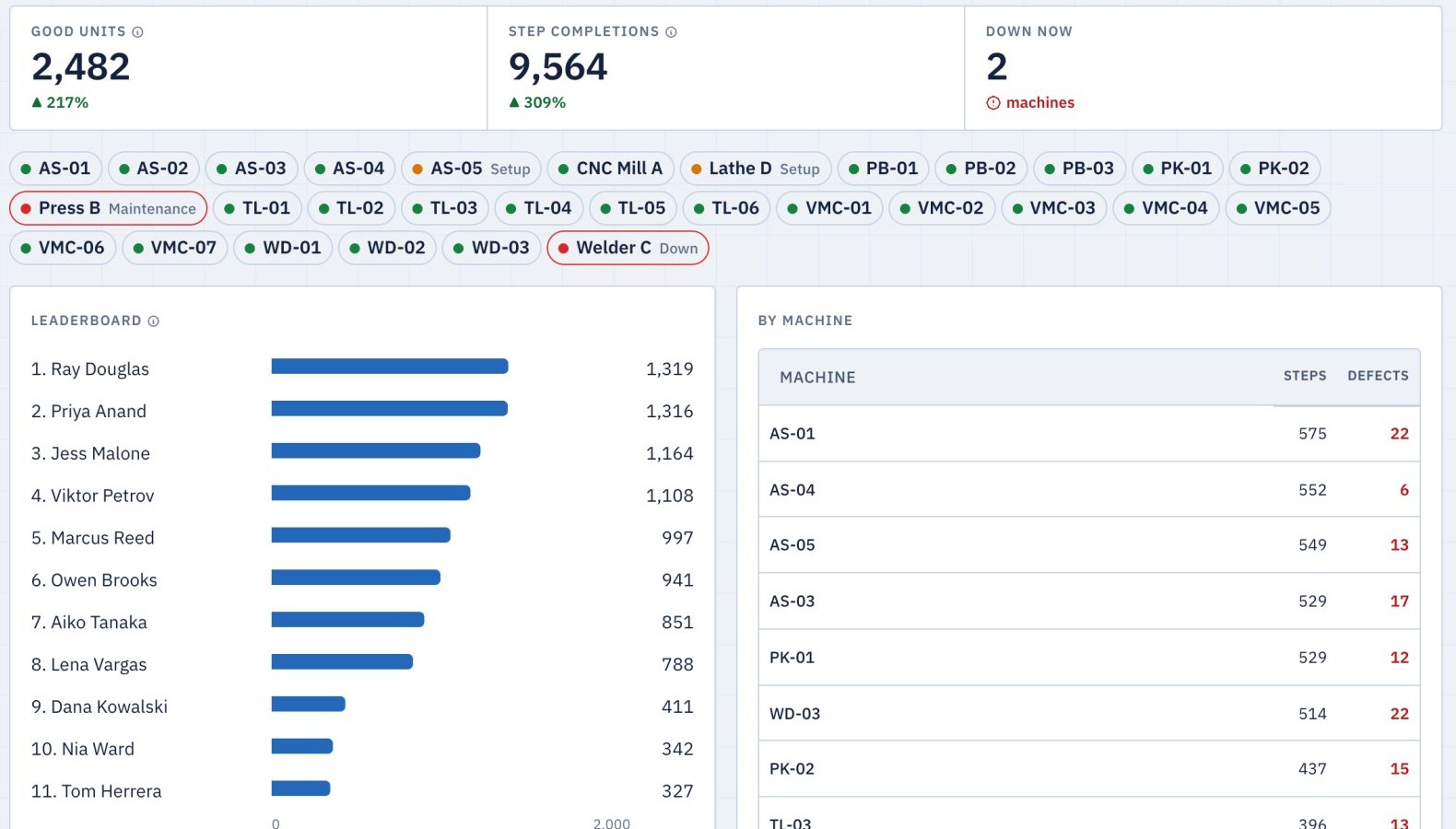
Good and defective parts, the reason for each defect, who ran it and for how long.
-
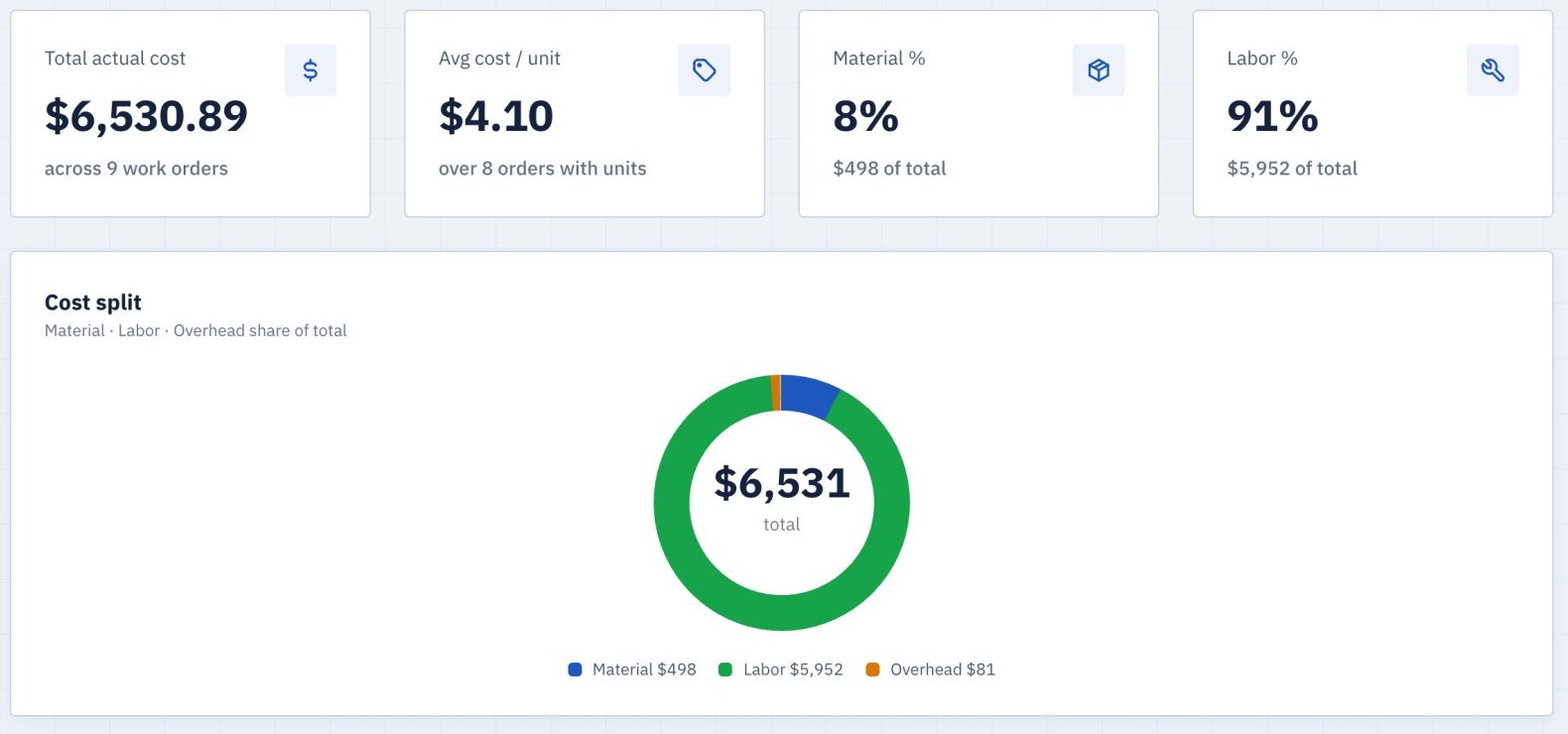
You see what the job cost
Recorded hours times each operator’s rate, plus material and overhead: the cost of the job and the cost per unit.
Set up by your own team
- 1 Import your data Bring in your machines, items, BOMs and routings from the spreadsheets you keep.
- 2 Invite your team Send each person an invitation with their role.
The rest of the platform
-
-
-
-
-
-
Configured for the way your shop runs
Built for discrete manufacturers of many kinds, from machine shops to sewn goods and assembly.
When your process needs something the platform does not do yet, our team can build it with you.
What shop owners ask
Do we need to replace our ERP?
No. Aixly works with your ERP or on its own. You can import records from spreadsheets. See Integrations for available connections and the roadmap.
How long does setup take?
It depends on how many machines and items you have and whether they are already in spreadsheets. Most of the work is importing those records, and we help with it during the pilot.
Does the schedule change by itself?
Aixly proposes placements and shows which orders would run late, but the schedule only changes when someone approves it.
What do operators need at the machine?
A tablet and a badge or PIN. A standard Bluetooth barcode scanner reads badges and lot labels without any setup, and the kiosk can be switched between English and Spanish.
Where does AI come in?
Ask questions about your workspace’s data. Save chats in project folders. Aixly changes nothing by itself.
Can the demo use our own data?
Yes. If you can share a work-order export under an NDA, we will run the demo on your own jobs.
What does it cost?
Pricing depends on the number of stations and whether you connect an ERP. We will go through it on the first call.